
Sign in and choose a mode. Image to Video starts with one picture; Reference to Video needs a prompt and 1–12 pictures. Check the uploaded preview.
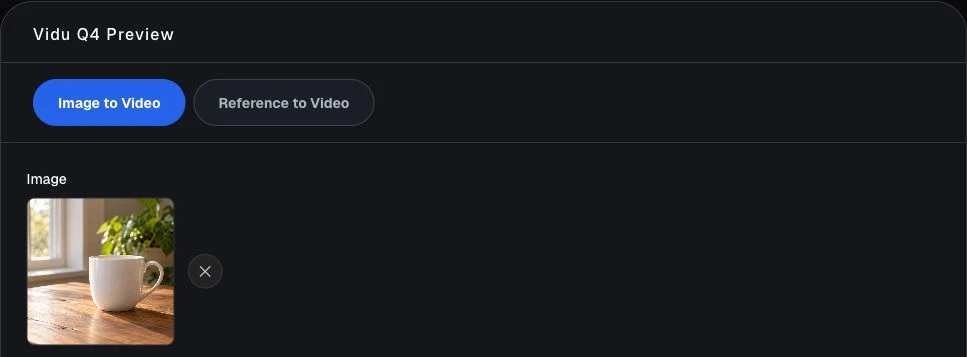
Image and reference video
Explore Vidu Q4 Preview with one starting image, or a prompt and at least one reference picture. Choose the motion, video length, and resolution for your next short clip.
Create your next videoSign in to create with Image to Video or Reference to Video.
Vidu Q4 turns a visual idea into a short video. Animate an existing composition from one still image, or guide a reference scene with a prompt and pictures. Describe what moves and how the camera sees it.
This independent service uses Vidu Q4 Preview in two modes. Read the Vidu Q4 image to video guide for input selection, motion choices, and ways to plan a clear first clip.
Match the mode to your starting material. References guide a scene without guaranteeing identical subjects or perfect motion.
| Control | Image to Video | Reference to Video |
|---|---|---|
| Starting input | One image; prompt optional | Required prompt and at least one image |
| Reference material | One starting picture | 1–12 pictures; up to 3 optional audio references |
| Frame shape | Based on your starting image | 16:9, 9:16, 1:1, 3:4, or 4:3 |
| Prompt expansion | Available, on by default | Not available in this mode |
| Video settings | 540p to 4K; 3 to 16 seconds | 540p to 4K; 3 to 16 seconds |
One image establishes the subject and composition. Try a slow camera push, drifting clouds, or a gentle turn to judge one movement clearly.
| Setting | How to use it |
|---|---|
| Image | Upload a PNG, JPG, JPEG, or WebP file, up to 100MB. |
| Prompt | Optional. Describe movement and camera direction. |
| Resolution and duration | Choose size and 3–16 whole seconds. |
| Prompt expansion | Allow interpretation, or switch off for precise wording. |
| Generate audio | Turn generated sound on or off. |
| Seed | Leave blank for random, or enter an integer. |
Pair a required prompt with at least one picture. Identify the subject, describe its action, and choose consistent views of the same scene.
| Setting | How to use it |
|---|---|
| Prompt | Required: subject, setting, action, and camera. |
| Reference images | Required: 1–12 pictures of the scene or subject. |
| Reference audio | Optional: up to 3 references; not voice cloning. |
| Aspect ratio | 16:9, 9:16, 1:1, 3:4, or 4:3. |
| Resolution and duration | Same sizes and lengths as image mode. |
| Seed | Blank or 0 for random; nonzero integer for a specific value. |
Match the clip to its destination. Longer clips allow more action; higher resolutions use more credits. Compare Vidu Q4 pricing when choosing settings.
| Choice | Useful starting point |
|---|---|
| Quick exploration | Short, lower-resolution clips to check one movement. |
| Default settings | 720p and 5 seconds. |
| More detail | 1080p, 2K, or 4K for a larger frame. |
| More time | 3–16 seconds, allowing the action to unfold. |
| Audio | Choose generated sound on or off. |
Take one scene from a starting image to a finished video. Keep the first attempt focused on one movement.
Start creatingSign in and choose a mode. Image to Video starts with one picture; Reference to Video needs a prompt and 1–12 pictures. Check the uploaded preview.
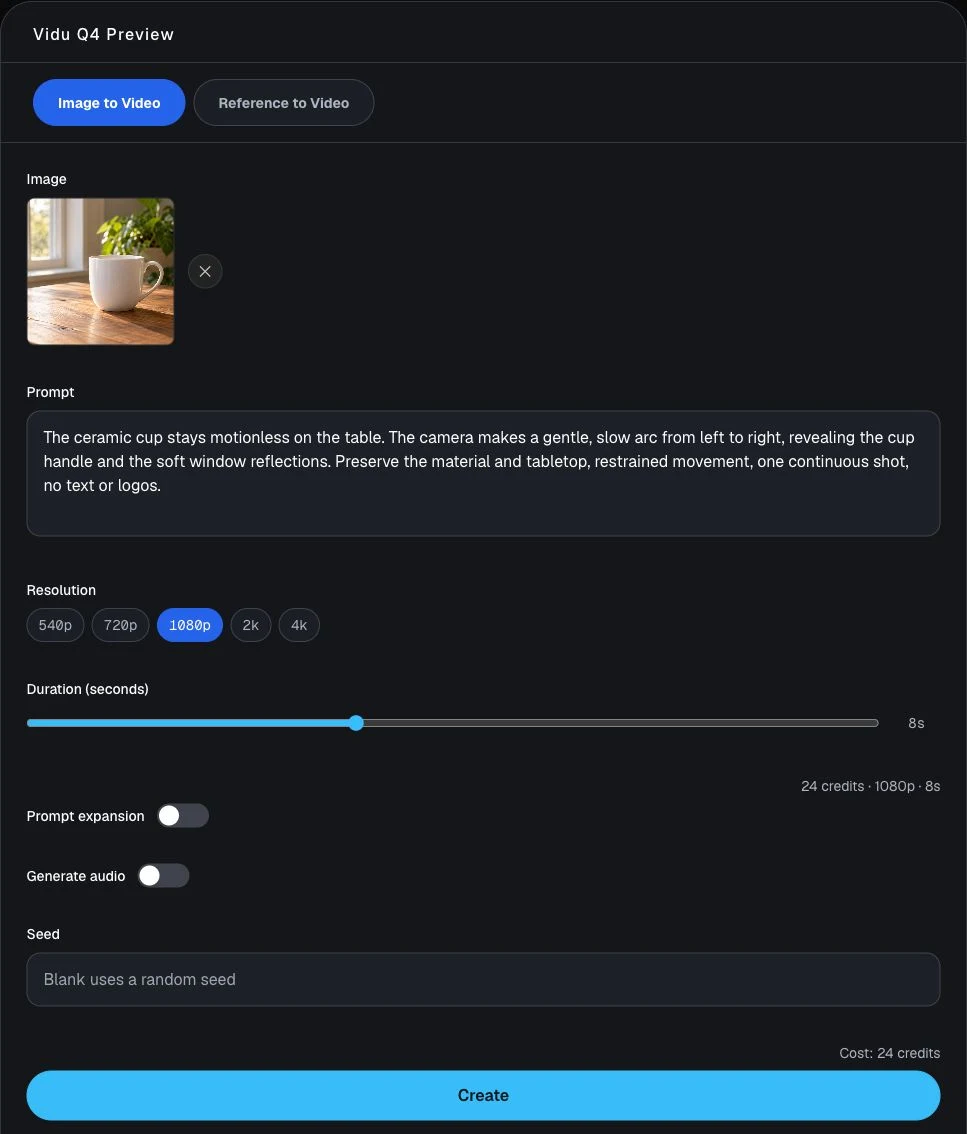
Describe one action, choose resolution and duration, then review the available switches. Check the credit estimate before selecting Create.
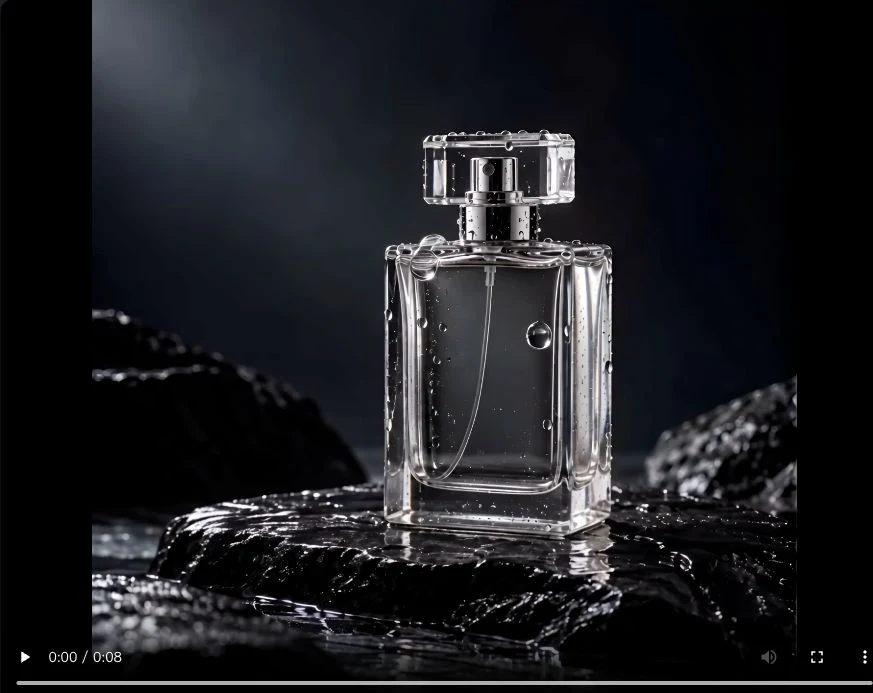
Wait for the task to finish, then play the complete video. Open the result in Your Creations and choose Download to save your copy.
Choose a movement that makes the subject easy to see, then match your input to the idea.
Start with a product or object photograph and ask for a gentle camera movement.
Choose references that show a subject clearly, then describe one action.
Pair a reference picture with a prompt describing a landscape, object, or simple scene.
Choose a portrait or landscape frame in reference mode.
Motion, light, and imagination
Watch real clips created with Vidu Q4 Preview. Open each video’s prompt and settings to see its starting input and the movement requested. all Vidu Q4 examples for the full collection.
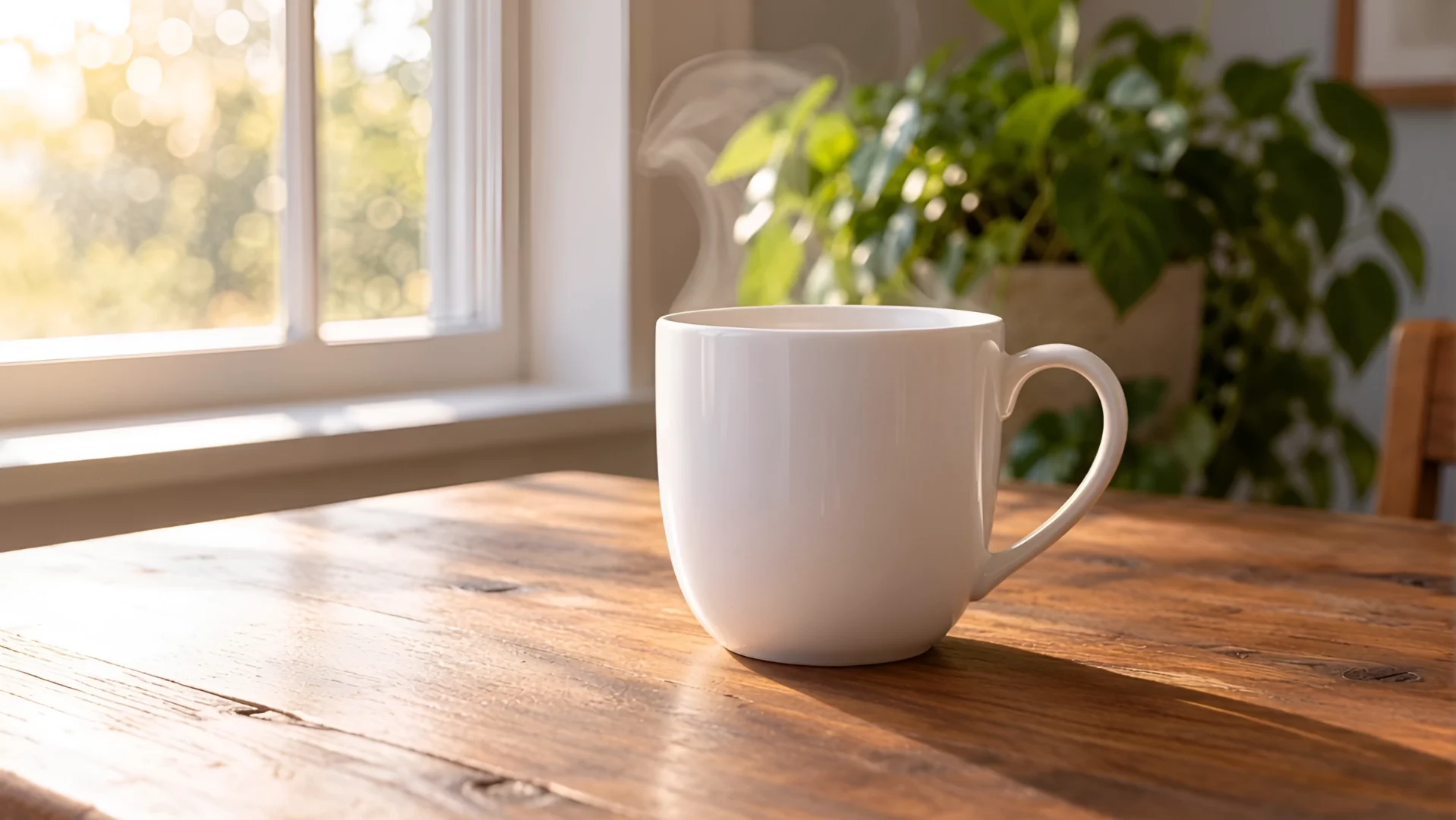
One self-created ceramic-cup reference image.
Steam rises as the camera advances; the cup and handle retain their shape.
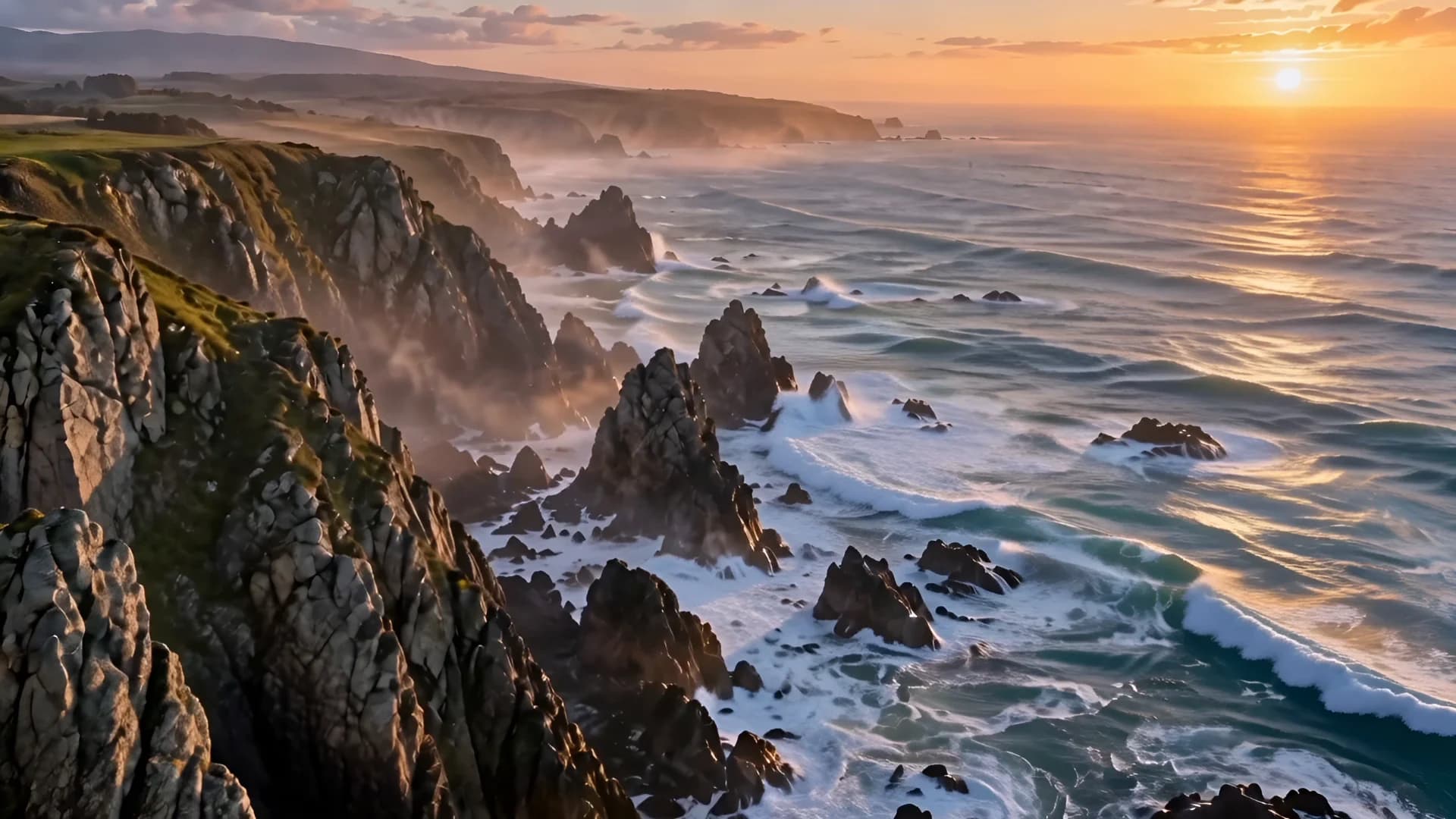
One self-created coastal-sunrise reference image.
The camera advances along the coast as waves spread around the rocks; cliff shapes remain consistent.
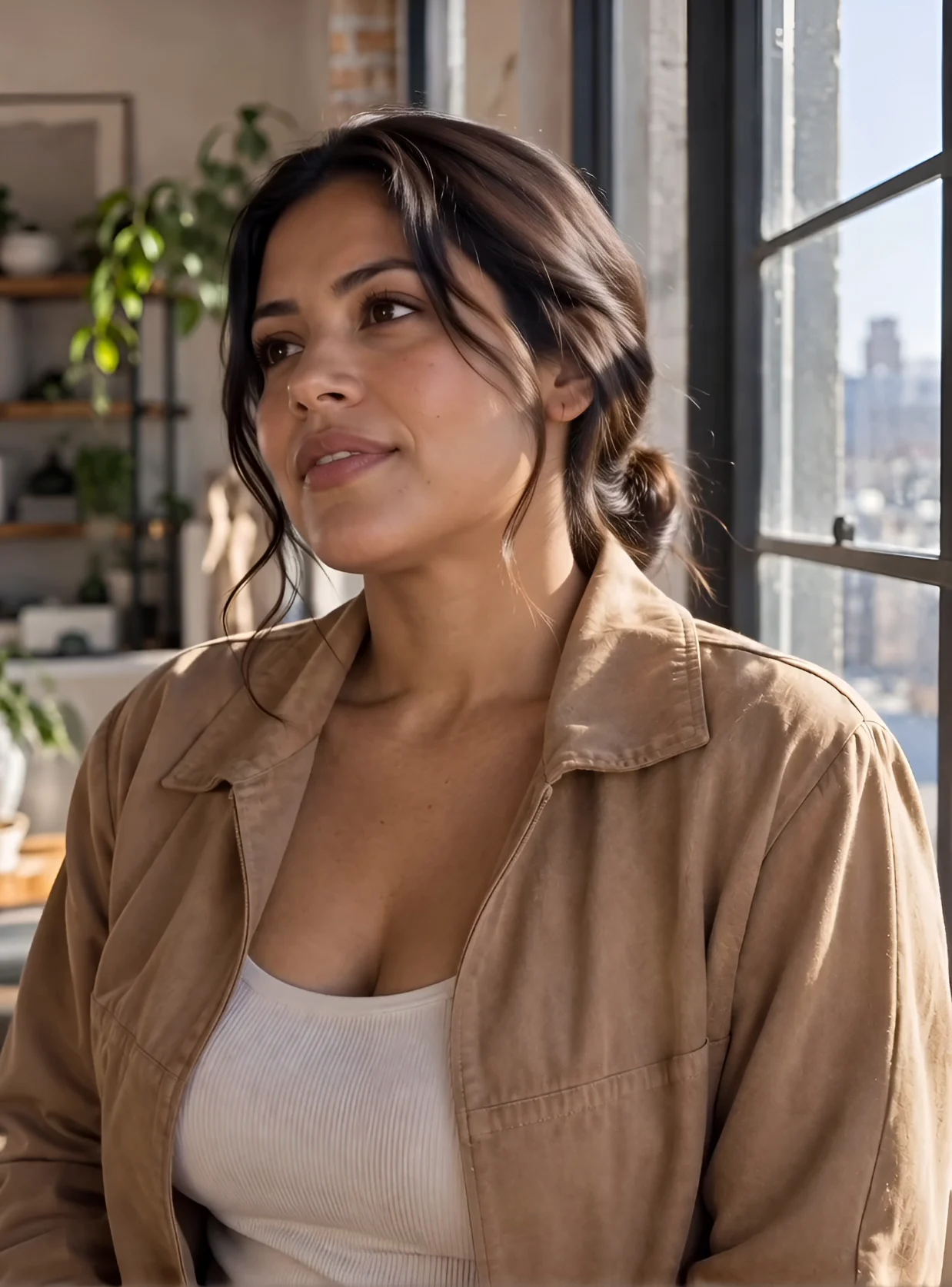
One self-created portrait of a fictional adult woman.
The subject turns and smiles while the face, jacket, and window setting remain consistent.
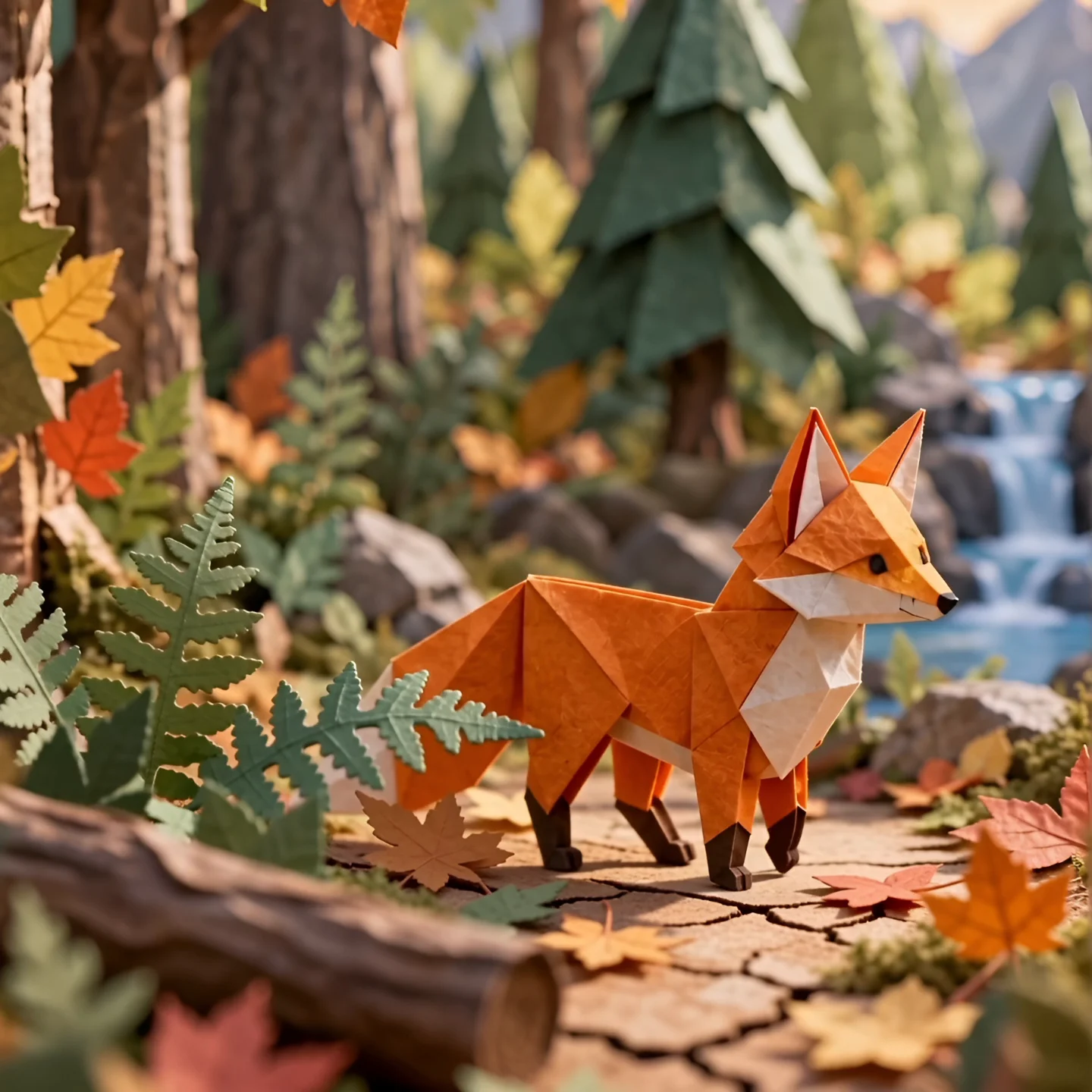
One self-created paper-fox reference image.
The fox takes visible steps; folded ears, legs, and paper foliage retain their handcrafted texture.
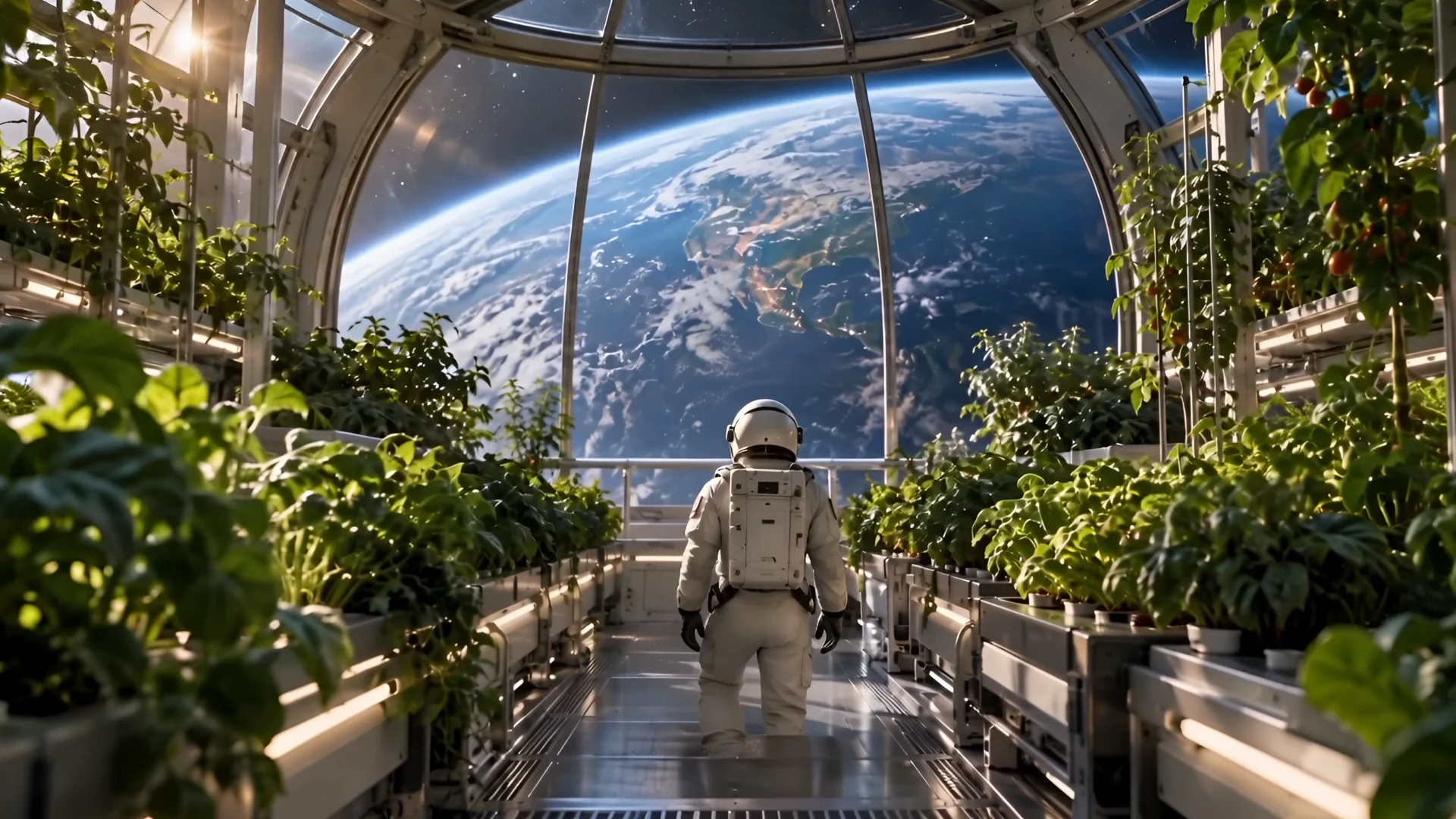
One self-created orbital-greenhouse reference image.
The astronaut walks toward the window while the camera follows; the suit, plant rows, and curved structure remain defined.
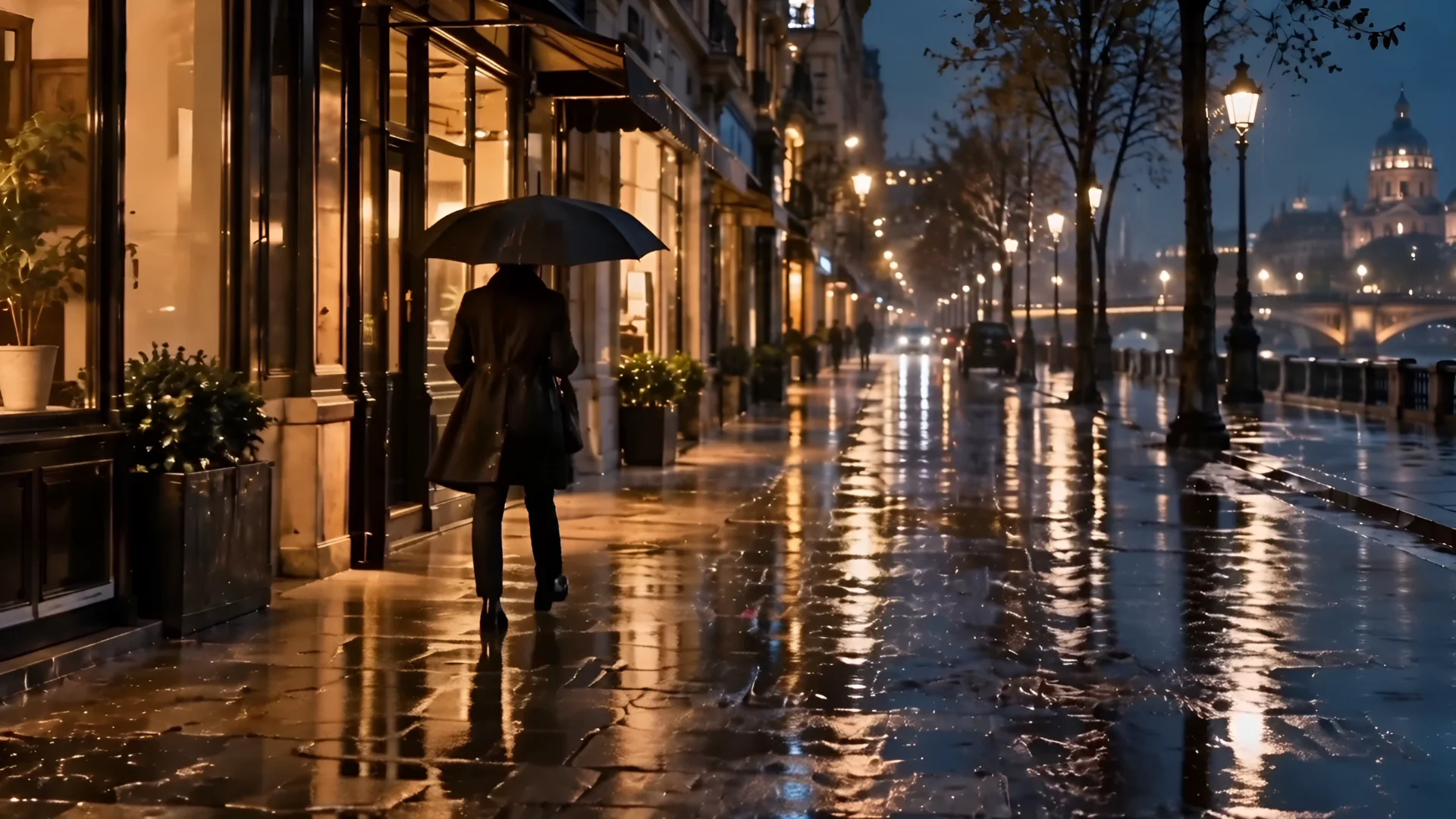
One self-created rainy-street reference image.
The umbrella and pedestrian move along the street as reflections and rainfall shift across the frame.
Use your own or authorized material and review each output before sharing it. Read the terms of service for account and content rules.
Image to Video requires one PNG, JPG, JPEG, or WebP picture. Reference to Video needs a prompt and at least one picture. Use authorized material and keep each file within 100MB.
Use 1–12 relevant pictures with a clear subject, then describe its movement and camera direction. Consistent views offer more useful guidance than unrelated images added to fill the list.
Both modes offer 540p, 720p, 1080p, 2K, and 4K, with whole-number lengths from 3 to 16 seconds. Defaults are 720p and 5 seconds. Higher settings do not guarantee flawless results.
In Image to Video, it lets the model elaborate on your description. Turn it off to try precise wording. It is separate from Generate audio and absent from reference mode.
Vidu Q4 multiplies the resolution’s per-second credit rate by video length. Both modes use the same rates. Review the estimate before submitting; shorter clips use fewer credits at the same resolution.