
Vidu Q4 Prompts: Ten Real Examples to Adapt
Explore ten prompts used for existing Vidu Q4 Preview clips generated on October 10, 2026. Read the original wording, separate subject motion from camera movement, and adapt one instruction to your own image.
How to Use These Vidu Q4 Prompts
Start with a picture you can use at Vidu Q4, then choose an example with a similar subject and composition. Image to Video needs one image; its prompt is optional. Reference to Video requires a prompt and images. Sign in to create with Image to Video or Reference to Video.
The ten Vidu Q4 prompts below describe requested actions. Their accompanying notes distinguish those requests from the recorded observations. Copy the original text when you want to inspect its wording, or change one instruction for your own input. A different picture can change the outcome even when every sentence stays the same.
What to Include in a Vidu Q4 Prompt
A useful instruction gives the subject a clear action and the camera a separate job. Describe the image you have, then identify what should move. Add lighting and preservation requests after that. These are writing choices to try, rather than controls that guarantee an exact trajectory.
| Part | Purpose | Example to inspect |
|---|---|---|
| Subject | Identify the visible anchor before describing change. | 01: a cup on a table |
| Action | Choose one main movement the viewer can recognize. | 05: a slow turn and small smile |
| Camera | State movement or a held view separately. | 02: an arc revealing the handle |
| Light | Describe the direction or atmosphere to retain. | 01: morning window light |
| Constraint | Name details you want preserved, then inspect them. | 09: readable lettering is unwanted |
A constraint remains a request. The rainy street instruction, for example, does not provide a completed text-detection check. Judge the result against the instruction instead of assuming every requested detail survived.
Image to Video Prompt Examples
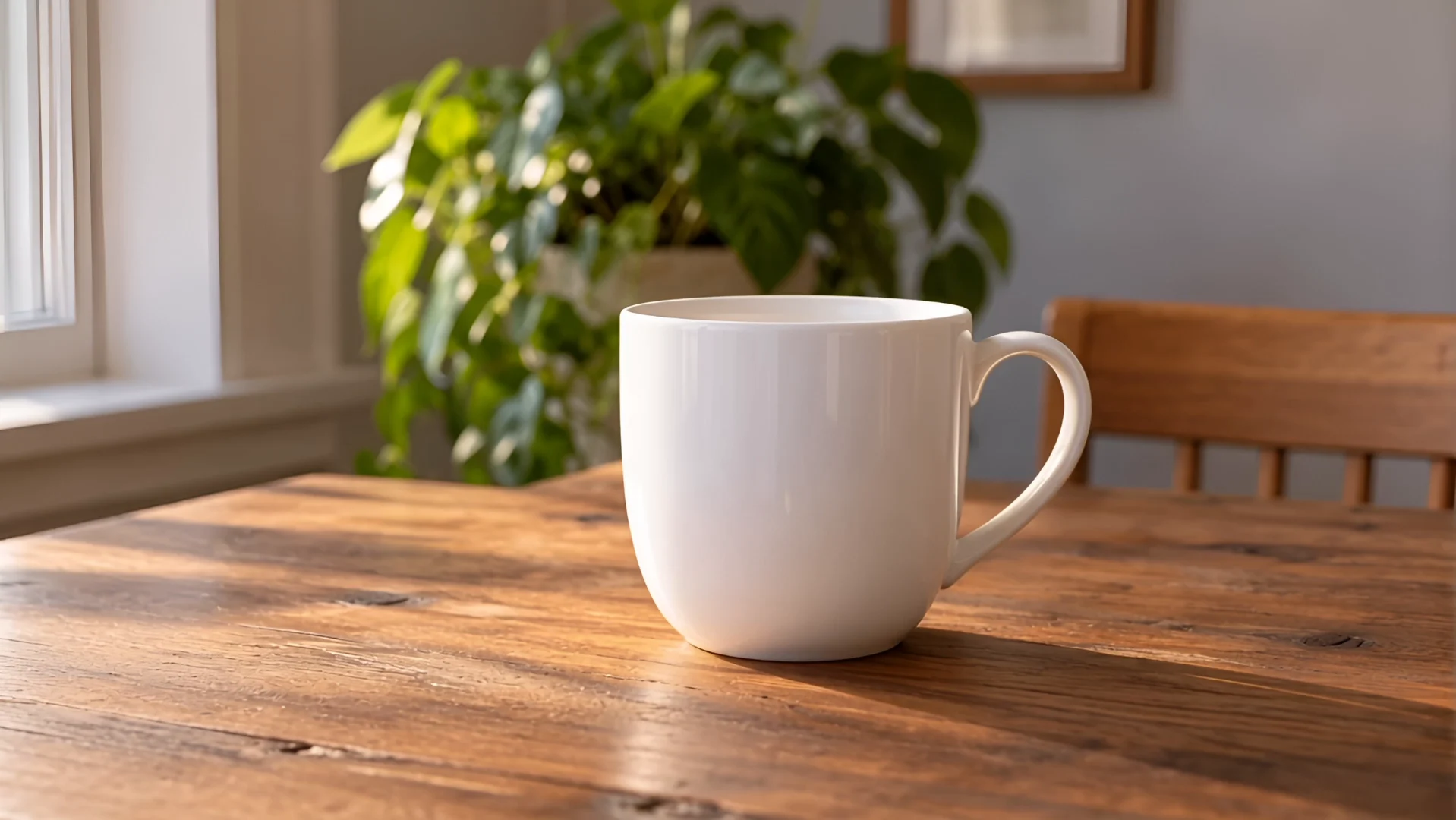
Both cup clips begin with the same self-created image. They requested 1080p and eight seconds, and each output measures 1918 × 1080 with a duration of 8.041667 seconds. For the upload and control sequence, follow how to use Vidu Q4.
01 · Morning ceramic
Prompt used
A ceramic cup rests on a wooden table beside a bright window. The camera slowly pushes toward the cup while a thin ribbon of steam rises naturally. Keep the cup shape stable, soft morning light, one continuous shot, no text or logos.
The cup anchors the scene while steam and the camera move separately. Change the steam intensity or push speed before adding another action. The recorded clip shows rising steam and an advancing camera with the cup shape retained; it does not establish which switch caused those features.
02 · Still-life camera arc
Prompt used
The ceramic cup stays motionless on the table. The camera makes a gentle, slow arc from left to right, revealing the cup handle and the soft window reflections. Preserve the material and tabletop, restrained movement, one continuous shot, no text or logos.
Here the subject stays still and the camera reveals a detail. Try changing the direction or the detail you want revealed. The observation records a stable cup with shifting background. Unlike 01, both expansion and generated audio were off; the changed wording and random seed settings prevent a controlled comparison.
Reference to Video Prompt Examples
Each reference clip used one self-created input image. These Vidu Q4 prompts illustrate different writing tasks, rather than evidence of multi-image consistency. The full Vidu Q4 examples collection contains every result and its settings.
03 · Glass and water
Prompt used
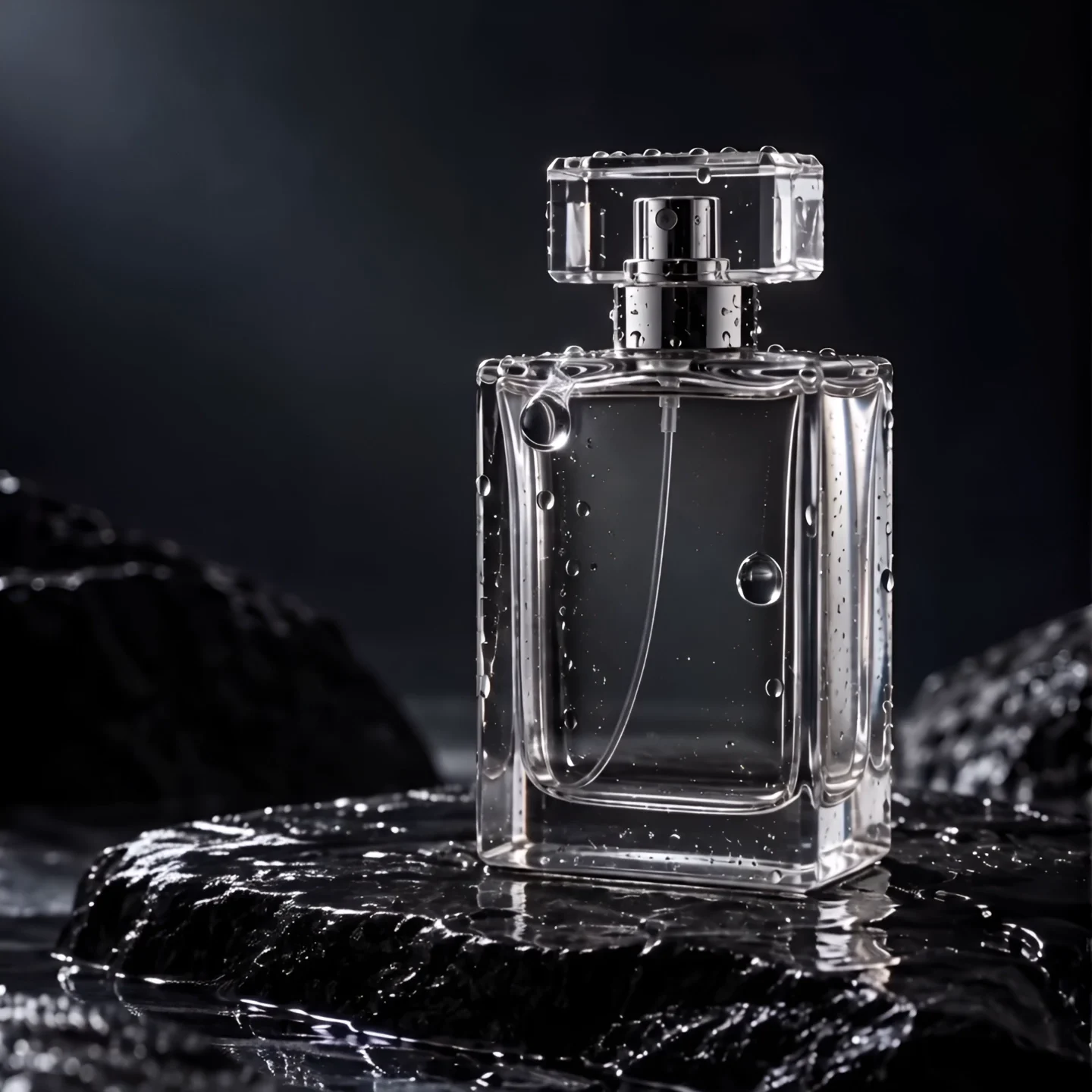
A clear glass perfume bottle stands on wet black stone in a minimal studio. Small water droplets roll slowly down the glass as the camera glides sideways. Crisp reflections, soft edge lighting, premium product film, one continuous shot, no text or logos.
Small droplets provide local motion around a stable product. Change their speed or the edge lighting without rewriting the bottle. The camera was asked to slide sideways, but the observation records it coming closer. Keep that directional difference in mind when planning a shot that depends on precise travel.
04 · Coastal sunrise
Prompt used
A cinematic aerial shot follows a rugged coastal cliff at sunrise. Ocean waves break below, sea mist drifts between the rocks, and the camera glides forward smoothly along the shoreline. Natural colors, realistic water motion, one continuous shot, no text or logos.
The coastline supplies a path for forward movement while waves and mist provide secondary action. Adjust height or pace to suit your image. The recorded clip shows forward travel and waves around consistent cliff shapes; that single scene does not establish reliable motion for every coastline or longer aerial sequence.
05 · Window-light portrait
Prompt used
An adult Latina woman in a tan jacket stands beside a sunlit loft window. She slowly turns toward the light and gives a small natural smile. The camera holds a medium portrait shot, soft fabric movement, realistic skin texture, one continuous shot, no text or logos.
A small turn and smile keep the performance concentrated within a medium portrait. Adapt the turn direction or framing to an adult subject you have permission to depict. This fictional adult portrait retains its face, jacket, and setting in one clip; it does not demonstrate identity across separate shots.
06 · Athlete in motion
Prompt used
An adult Black male runner moves along an empty outdoor track at golden hour. The camera tracks beside him at a steady pace, showing natural arm swing and foot placement. Warm sunlight, realistic athletic movement, one continuous shot, no text or logos.
Side tracking and the runner's movement have separate roles. Choose a pace and distance that leave room for the limbs. The observation identifies visible arm swing and alternating foot placement with the runner in frame. It is a qualitative movement note, rather than a measurement of athletic or biomechanical accuracy.
07 · Paper fox
Prompt used
A small orange origami fox walks across a handcrafted paper forest in stop-motion style. Paper leaves sway gently and the camera moves a little closer. Keep visible paper folds and a playful handmade texture, one continuous scene, no text or logos.
Material descriptions matter here: folds and handmade texture define what should remain recognizable as the fox walks. Change step size or the gentle push toward it. Visible steps and paper texture were recorded. The requested stop-motion look describes a visual style, not evidence that the clip was made frame by frame.
08 · Orbital greenhouse
Prompt used
Inside a quiet orbital greenhouse, an astronaut in a white suit walks between rows of green plants. Earth is visible through the curved window. The camera slowly follows from behind, leaves move gently in the ventilation, cinematic realistic lighting, one continuous shot, no text or logos.
The astronaut provides a following target; plant rows and the curved window establish depth. Adjust walking pace or follow distance without adding a competing camera move. The recorded astronaut, suit, and structure remain defined in this view. That does not establish coherent geometry beyond the visible scene or across another shot.
09 · Rainy city
Prompt used
A cinematic street-level shot of a city at night in light rain. An adult pedestrian with a plain black umbrella walks past warm shop windows. Reflections ripple across wet pavement as the camera slowly tracks sideways. Realistic rain and restrained color, one continuous shot, no readable text or logos.
The umbrella gives the pedestrian a recognizable silhouette while rain and reflections animate the setting. Alter walking pace or camera travel before adding street activity. Movement of the pedestrian, umbrella, rainfall, and reflections is recorded. The request to avoid readable text is not a verified assessment of every sign.
10 · Kite at golden hour
Prompt used
A bright red kite rises over a quiet grassy field at golden hour. The camera holds a wide portrait composition, leaving open sky above the kite. A light breeze moves the grass and keeps the string taut. Natural outdoor motion, one continuous shot, no text or logos.
Portrait framing and open sky reserve space for the kite. For a different input, adjust that headroom before changing breeze strength. The observation describes kite sway, tail movement, and grass in the wind. It does not confirm that the string stays taut throughout, although the original instruction asks for that.
How to Adapt a Prompt
- Match the subject and framing to your input. Replace an object description when you replace the picture.
- Keep one main action and one camera direction. Remove instructions that compete for the same short interval.
- Save the prompt and settings, watch the result to the end, then change one element for your next attempt.
Editable template — writing suggestion, not a recorded prompt
A [subject] in [setting] makes [one movement]. The camera [one direction or held view]. Preserve [visible detail] with [lighting].
This template has not been submitted for these clips. Treat Vidu Q4 prompts as starting instructions, with output limitations in mind. Different inputs and random seeds can change results; clearer wording helps you identify what to inspect, without guaranteeing that every request will be followed.
Vidu Q4 Prompts FAQ
Are these original prompts or new suggestions?▼
Each block marked Prompt used is the original wording for its numbered existing clip. The editable template is a later writing suggestion and was not used to generate these ten videos.
Do Vidu Q4 prompts work without an image?▼
These examples all used images. Image to Video needs one picture and accepts an optional prompt. Reference to Video needs a prompt and one to twelve reference images. All eight reference examples here used one image each.
Will copying a prompt reproduce the same result?▼
No identical result is promised. The input, settings, and random seed affect the attempt. Save your own settings and inspect the completed video rather than treating the wording as a guarantee.