
Vidu Q4 Reference to Video Guide
Reference images help establish the subject and setting, while your prompt describes the intended shot. This guide uses eight existing Preview results generated on October 10, 2026, with one image each. Three playable examples show square, landscape, and portrait framing. The set offers concrete observations about those individual clips; it does not demonstrate multiple-reference consistency or every resolution and duration offered by the controls.
What Is Vidu Q4 Reference to Video?
Reference mode on Vidu Q4 requires a prompt and one to twelve pictures. The pictures provide visual guidance; the prompt explains the action, setting, and camera view. Sign in to create and choose inputs that describe the same intended scene.
The existing Vidu Q4 reference to video set contains eight clips, each made from one reference image. It shows several subjects and frame shapes, but it cannot tell you how two or more pictures would be combined. More available input slots are not evidence that every multi-image arrangement has been evaluated.
How to Choose Reference Images
Start with the visual information the shot needs. A product picture should make its outline readable; a landscape should show the direction of travel; a portrait composition should leave space around the action. These are preparation suggestions based on reading the inputs, not a tested ranking of image styles.
- Match the subject. The glass-bottle reference gives the model a distinct cap, body, and surrounding surface. Check which of those details you would notice changing.
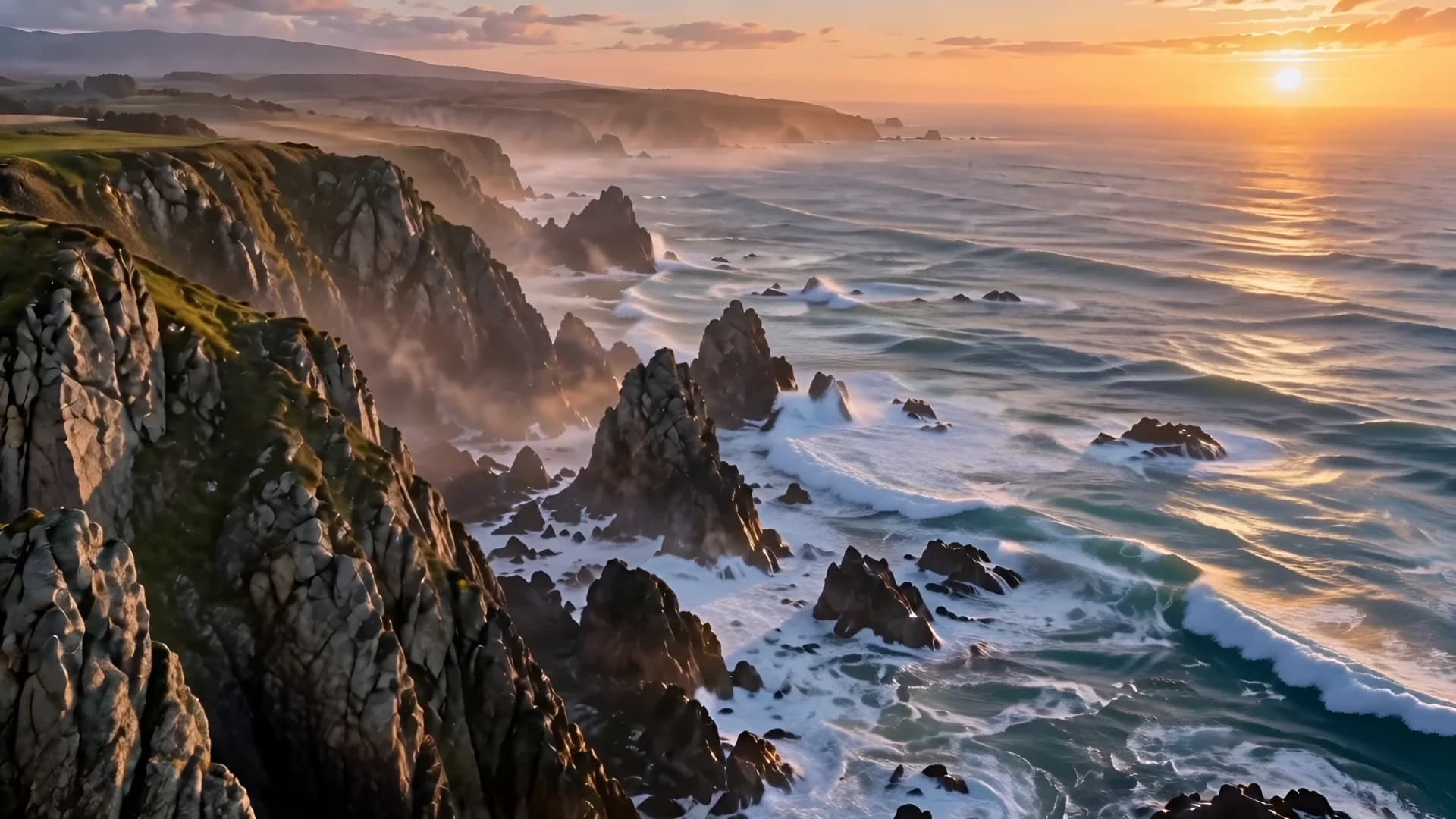
- Explain the scene. The coast image establishes cliffs and open water. A prompt can specify movement along that shoreline instead of introducing an unrelated location.
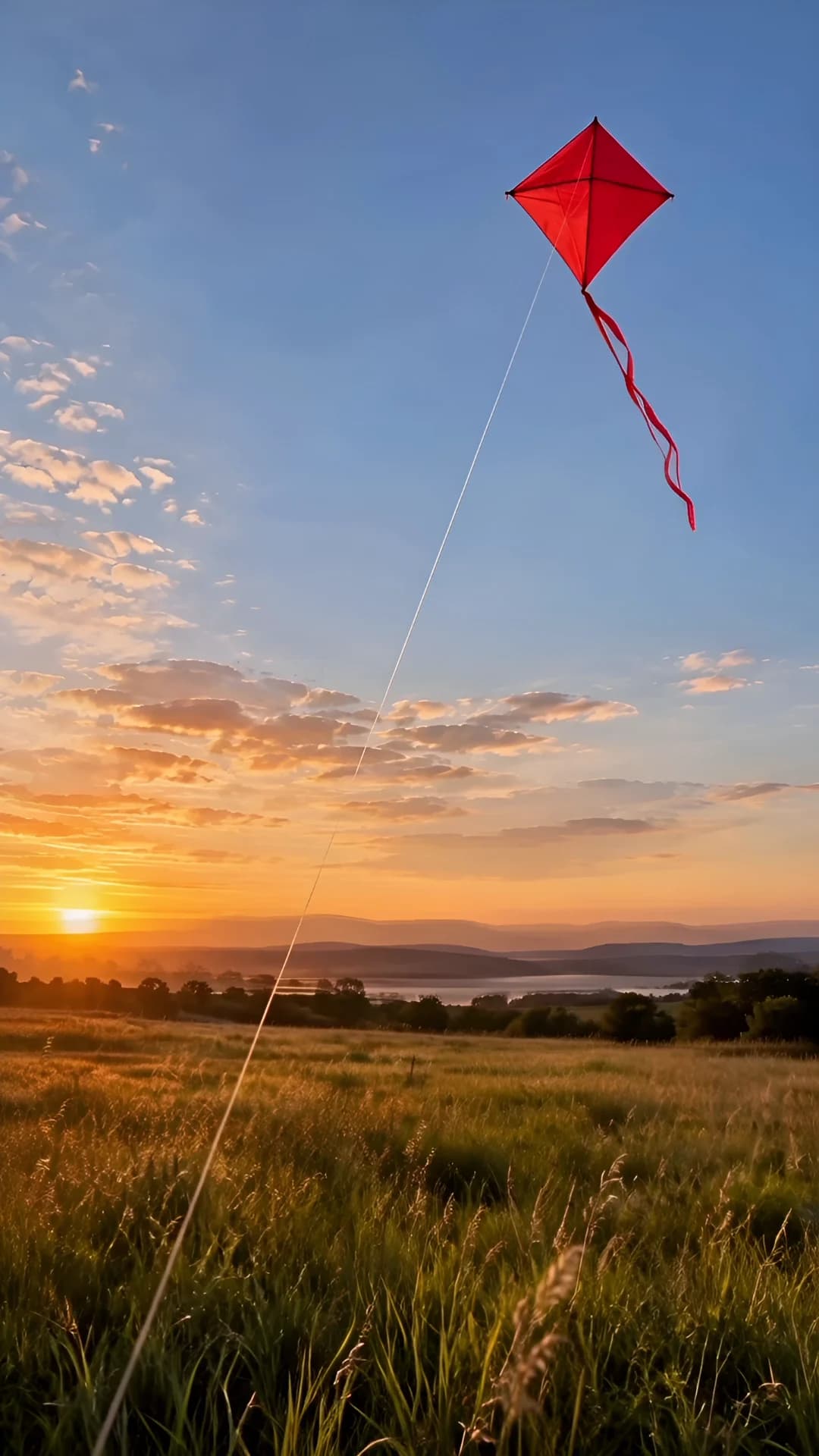
- Allow useful space. The kite input leaves open sky above a small moving subject. Consider how much room an action needs before selecting a frame shape.
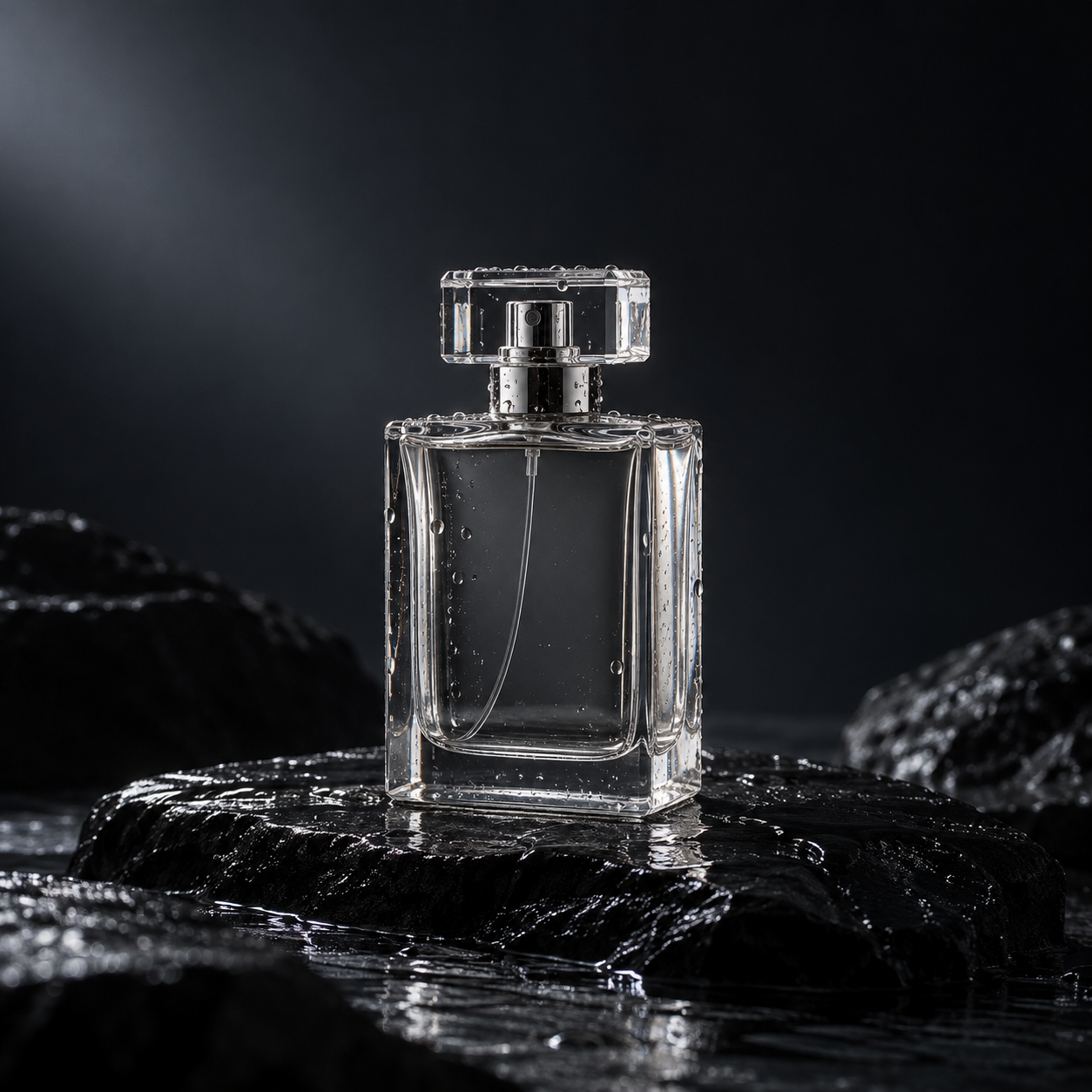
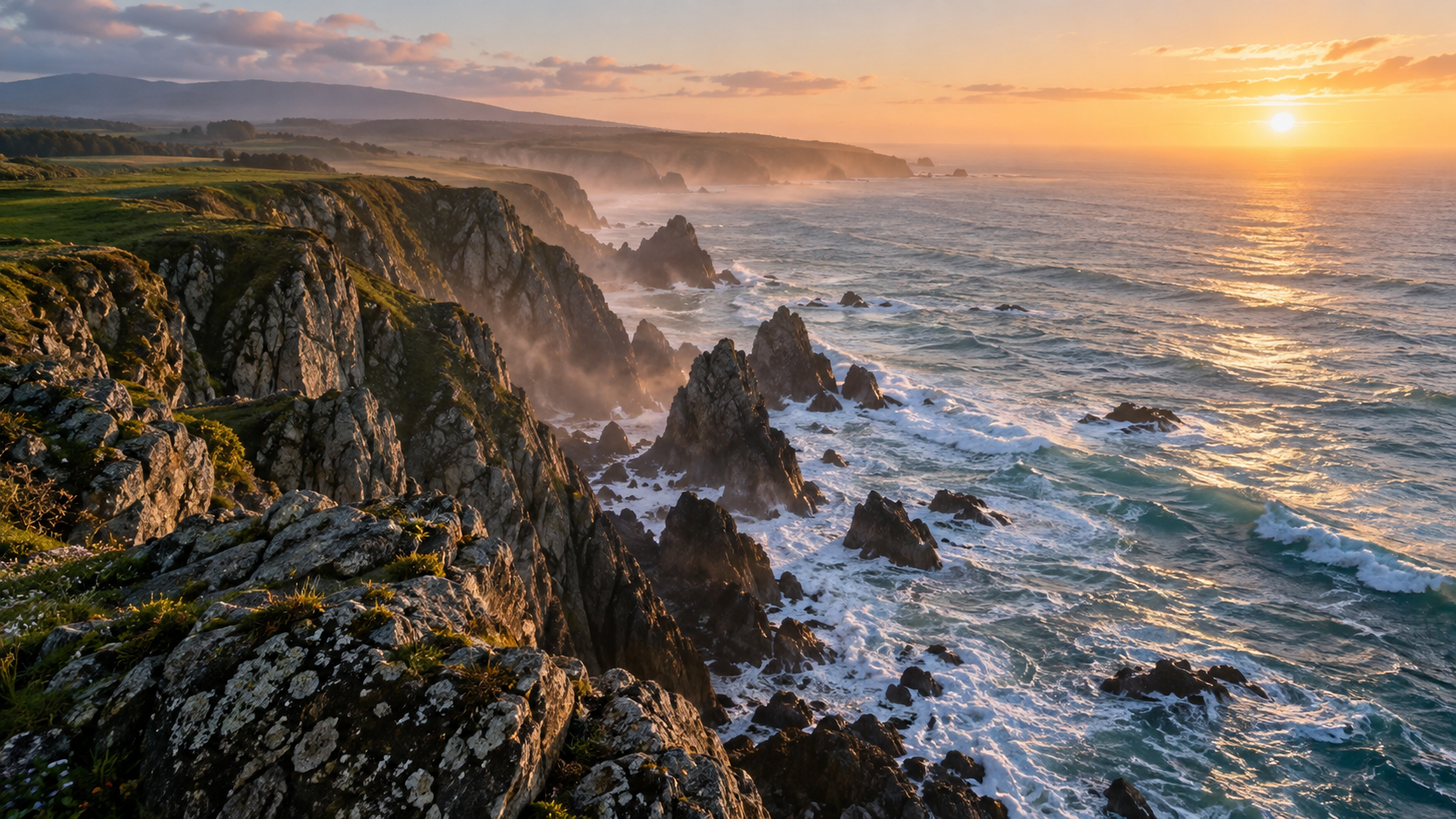
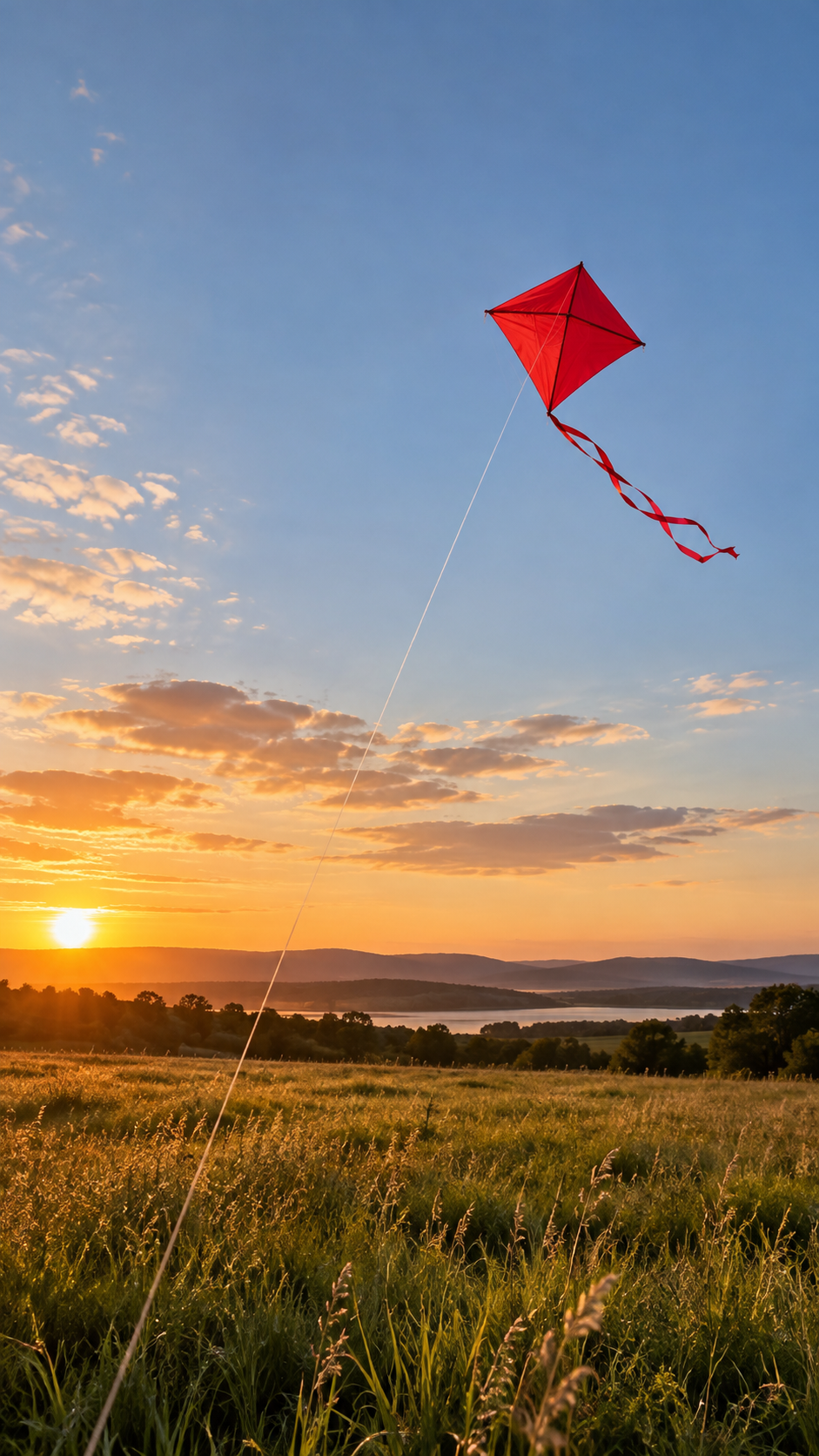
When preparing several references, check whether they agree on the subject and setting. The current examples do not establish how conflicting views, different lighting, or additional objects affect a multi-image result.
Reference to Video Examples
These three clips come from the eight recorded examples. Their original frames remain visible, so a square bottle shot and a vertical outdoor composition can be judged on their own terms.
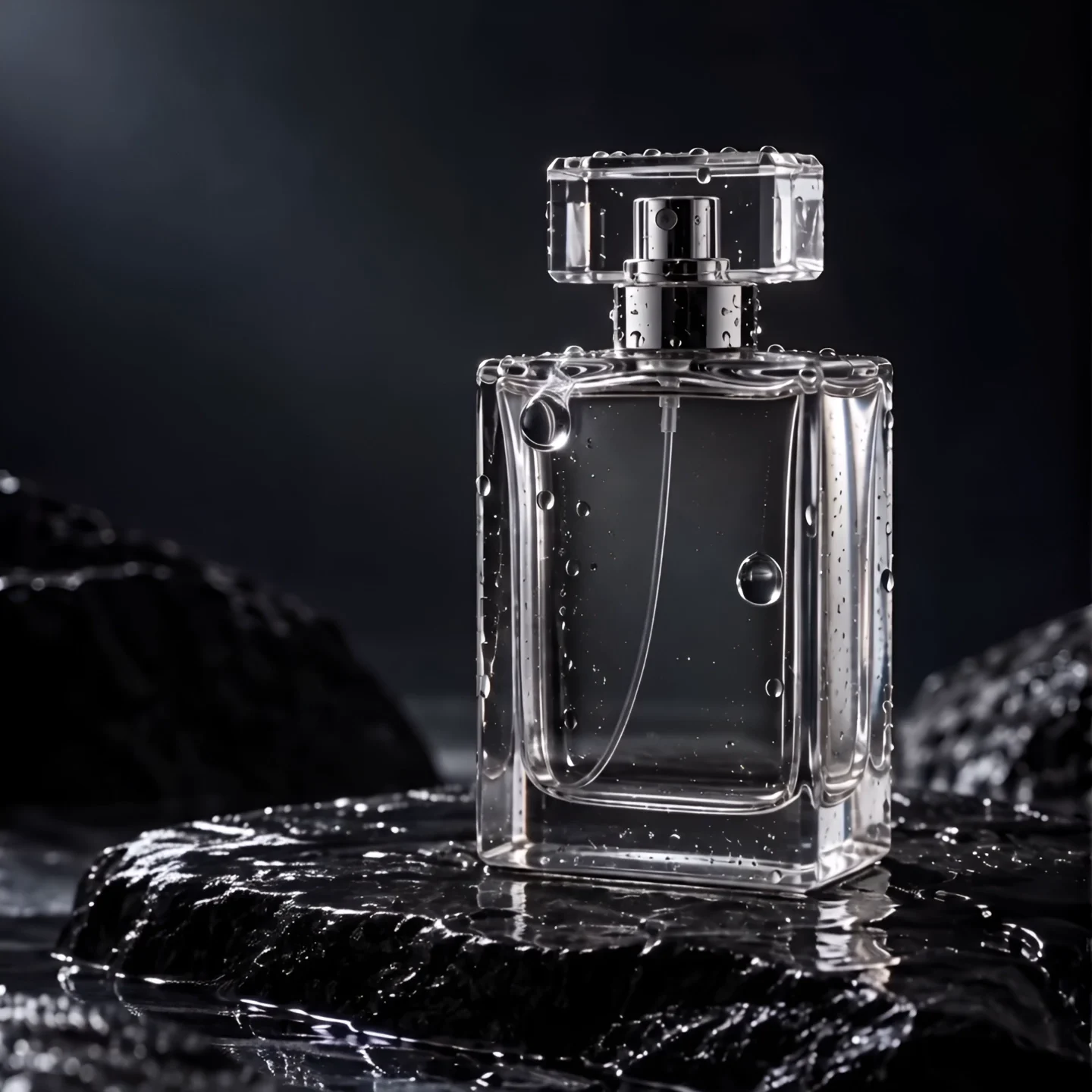
Glass and water
Droplets move across the glass while the bottle edges and cap remain defined. The prompt requests sideways camera travel, but the recorded observation describes the camera coming closer. Preserve that difference when assessing instruction following; a clear subject does not prove an exact camera direction.
Coastal sunrise
The camera advances along the coast as waves spread around rocks. The recorded cliff shapes remain consistent within this clip. The wide view makes the route along the shoreline legible, without establishing that every water scene or longer aerial sequence would behave the same way.
Kite at golden hour
The vertical frame leaves sky above the kite while the tail and field grass move in the breeze. Watch the entire portrait composition rather than judging a cropped landscape preview. The recorded observation does not verify that the thin kite string stays stable throughout the clip.
Framing and Recorded Results
All eight requests selected 1080p. Their actual pixels vary with the frame, and a requested ratio is not an exact output-dimension guarantee. Window-light portrait selected 3:4 but produced 1238 × 1674 pixels. Preserve that measured size when checking the result.
| Clip | Requested duration | Actual dimensions | Actual duration |
|---|---|---|---|
| Glass and water | 8 seconds at 1080p | 1440 × 1440 | 8.041667 seconds |
| Coastal sunrise | 12 seconds at 1080p | 1920 × 1080 | 12.041667 seconds |
| Window-light portrait | 10 seconds at 1080p | 1238 × 1674 | 10.041667 seconds |
| Athlete in motion | 10 seconds at 1080p | 1920 × 1080 | 10.041667 seconds |
| Paper fox | 8 seconds at 1080p | 1440 × 1440 | 8.041667 seconds |
| Orbital greenhouse | 12 seconds at 1080p | 1920 × 1080 | 12.041667 seconds |
| Rainy city | 10 seconds at 1080p | 1920 × 1080 | 10.041667 seconds |
| Kite at golden hour | 10 seconds at 1080p | 1080 × 1920 | 10.041667 seconds |
Each request used a random seed and no audio references. Some enabled generated audio, which is a separate option from uploading sound. An audio track in the output cannot establish that an audio-reference workflow was tested. The three players above preserve the original files and their full framing.
Reference Inputs and Limits
For Vidu Q4 reference to video, keep the input limit and the observed sample separate. The form accepts one to twelve images and up to three optional audio references. This particular set covers one picture per request, 1080p selection, and requested lengths of eight, ten, or twelve seconds.
- Choose a clear reference and one motion goal before adding extra visual instructions.
- Treat multiple-image organization as preparation advice; character consistency across those images is not established here.
- Check the complete clip for framing changes and subject details, including its last moments.
- Do not infer 4K quality, sixteen-second continuity, or sound-reference behavior from these shorter one-image files.
Use the step-by-step guide for uploading files and choosing the controls. Keeping the operating steps separate lets you focus here on whether the source picture fits the shot you want.
Review credit information before changing duration or resolution. Save the settings alongside your output, and change one element at a time when exploring your next idea. That is a suggested working method, rather than an experiment already performed across these eight clips.
Reference to Video FAQ
Can I use Reference to Video without an image?▼
No. This site's reference mode requires a prompt and at least one reference image. You can add up to 12 images.
Were all 12 reference slots tested here?▼
No. Each of the eight existing reference clips used one image and no audio references. The input limit is separate from the coverage of these examples.
Why is the portrait file not an exact 3:4 frame?▼
The Window-light portrait request selected 3:4, while its actual file measures 1238 × 1674. Check the finished file rather than treating a requested ratio as an exact pixel guarantee.
Do the examples prove character consistency across clips?▼
No. They are separate one-image results with random seeds. They do not establish identity consistency between multiple references, angles, or generated clips.